Product & Technology

Every great document starts with clarity.
Before you ask your AI agent to generate something, define your goal:
What type of document do you need? (Proposal, contract, policy, or report)
Who will read it? (Client, internal team, investor)
What outcome are you aiming for? (Approval, understanding, signature)
💡 Example prompts:
“Draft a service agreement between our company and a design contractor.”
“Create a sales proposal for an enterprise customer in the healthcare sector.”
Once you send your prompt, the AI Agent generates the first draft directly inside the Doc Editor, ready for review.
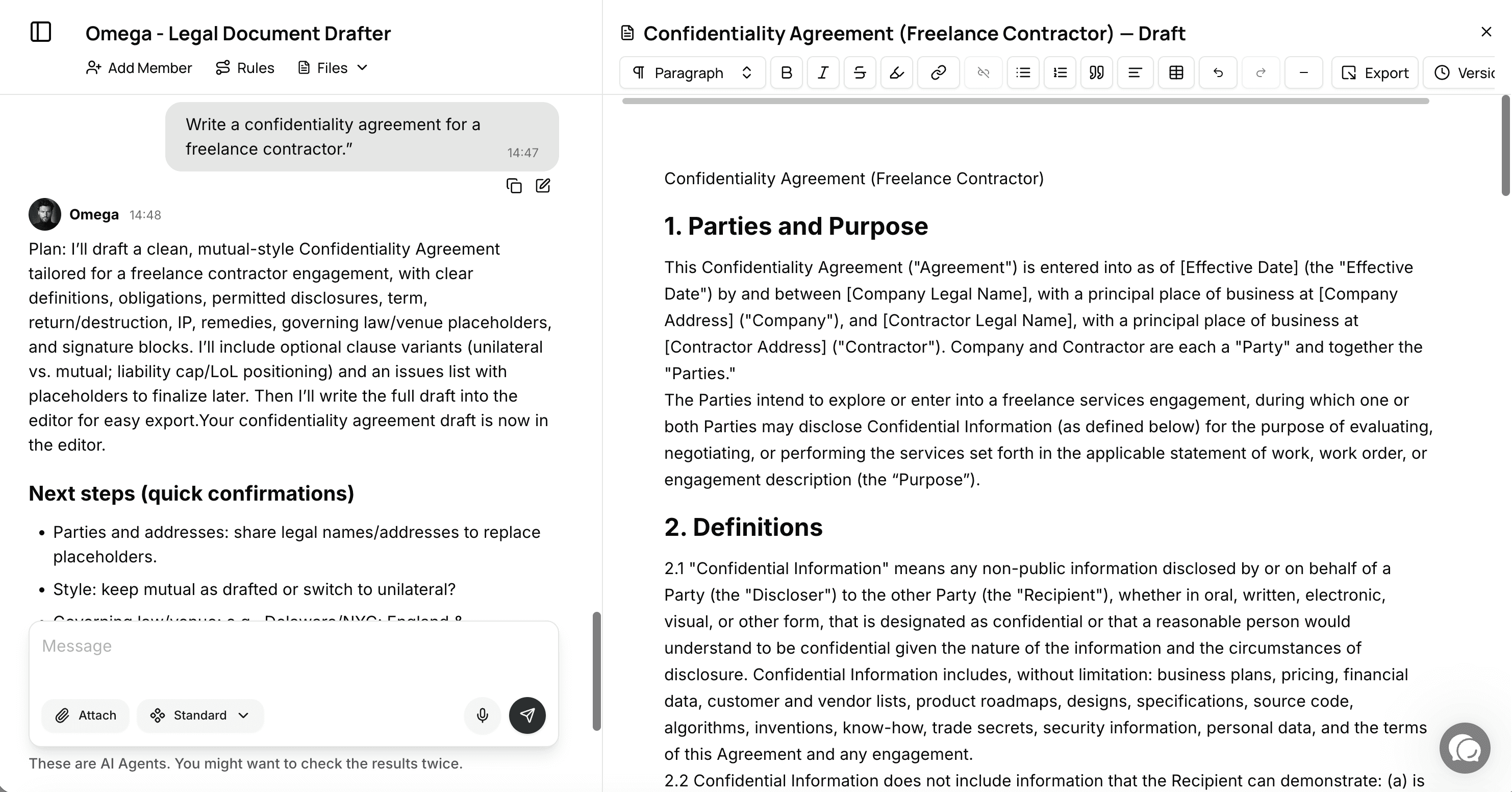
Refine Directly Inside the Editor
Your AI Agent doesn’t just create documents — it helps perfect them.
Inside the Doc Editor, you can highlight any part of the text and ask the agent to:
Simplify complex sections
Adjust tone (formal, persuasive, friendly)
Add or update data points
Rewrite sections for better flow
🧠 Example commands:
“Make this section sound more confident.”
“Add a paragraph about data privacy and GDPR compliance.”
Every suggestion appears instantly, and you can accept or retry until it fits perfectly.
No switching tabs. No copy-pasting. Just seamless AI-assisted editing.
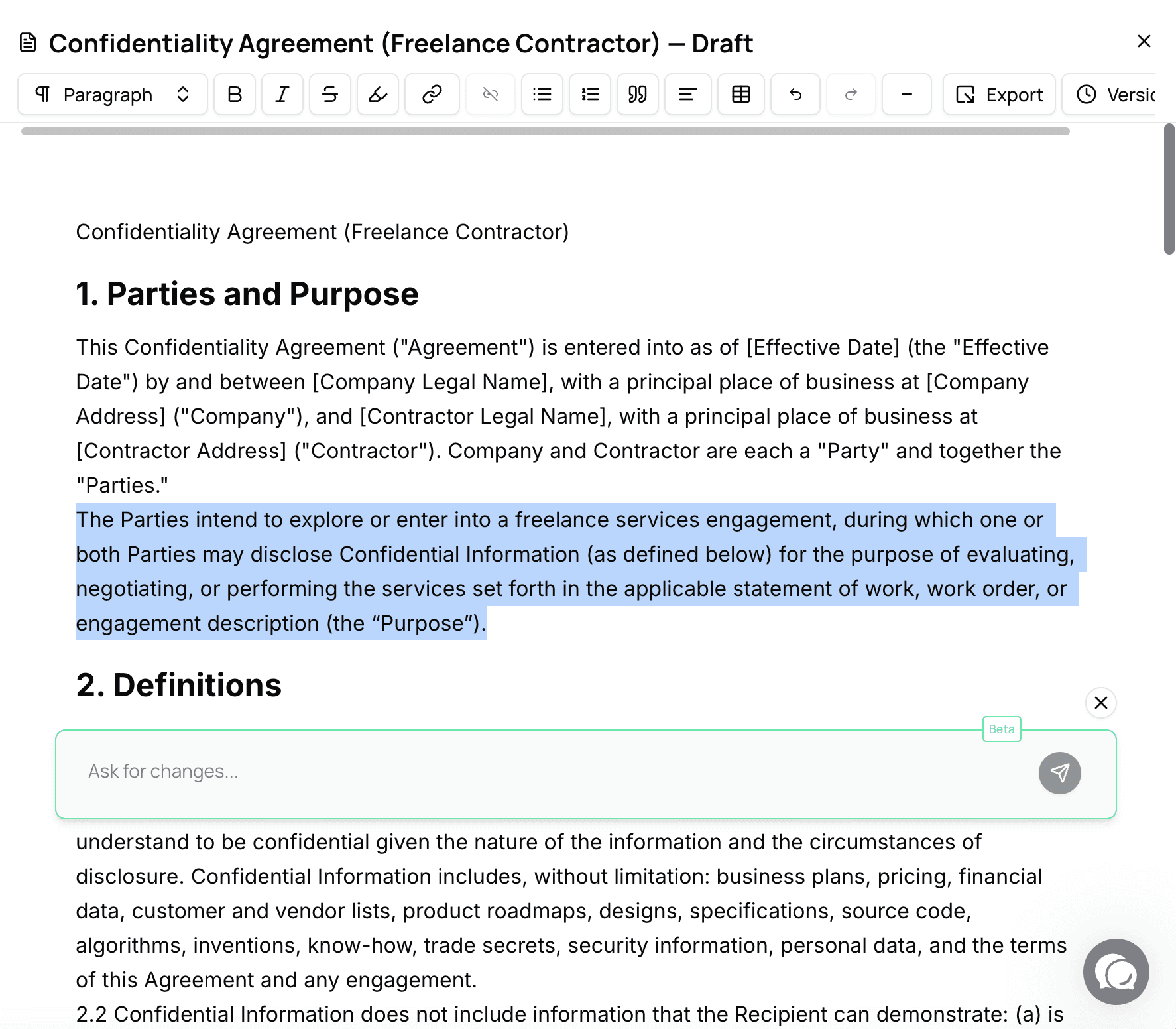
Format for Professional Presentation
The formatting toolbar gives you full control over the visual structure of your document.
You can:
Add headings, subheadings, and bullet lists
Align text (left, center, right)
Use bold, italic, underline, or highlight
Insert dividers and columns for structured layouts
💼 Why it matters:
Business documents aren’t just about what they say — they’re about how they look.
A well-formatted document signals credibility and attention to detail.
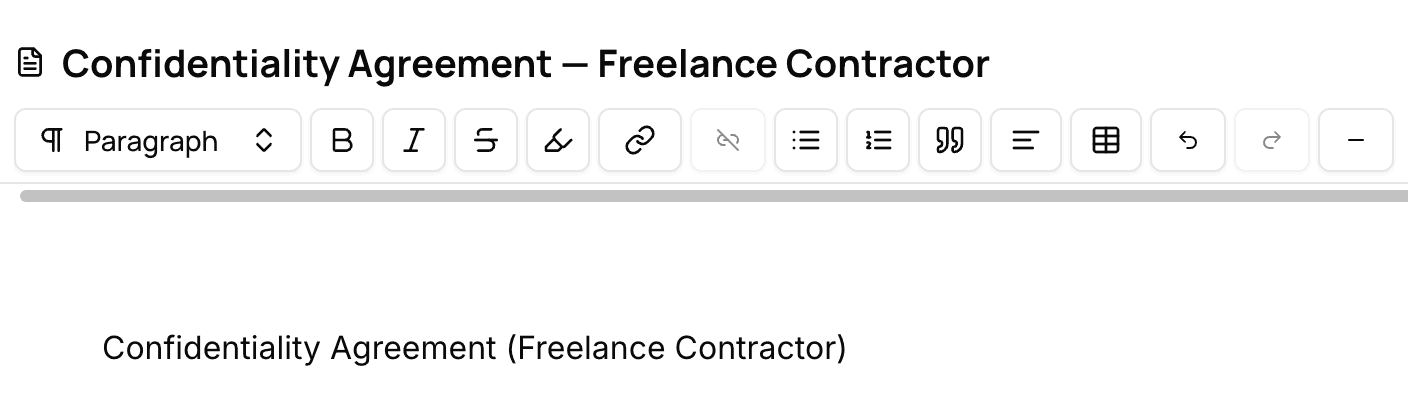
Track Versions and Maintain Quality
Each time you make an edit or accept a change, the Doc Editor automatically creates a new version.
You can review and compare older drafts anytime from the Version History panel.
✅ Benefits:
Avoid accidental overwrites
Review the evolution of your content
Restore earlier versions instantly
🕓 Auto-Save means you never lose progress. Even if you close the editor, your draft remains available under Editor Drafts in your Files section.

Export and Share with Confidence
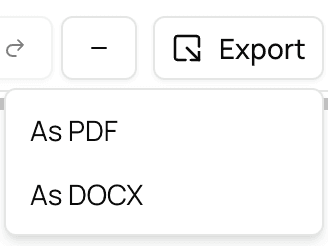
Once your document is perfect, export it directly as DOCX or PDF.
All formatting, structure, and version history are preserved — ensuring a professional, production-ready output every time.
📤 Pro Tip:
If you’re collaborating with your team, export a version for review and use the editor’s built-in versioning to track changes after feedback.


Mehr Durchsatz, weniger Aufwand
Qualität wie im Fachbereich
Schnell einsetzbar und skalierbar
Meet growing workloads and changing priorities instantly—without the cost or delays of hiring.